 1. Update the Preloaded Mobikwik App from Windows Phone Store on your Microsoft Lumia 640.
2. Click on Add Money Tab.
3. Enter and Click on add now button to add Rs. 200 or more in your Wallet.
4. Choose your option to add money in your Wallet: 1. Credit Card 2. Debit Card
5. Fill in the details for adding Money in your Wallet.
6. Fill in Promo Code MOBILUMIA and Apply, then proceed with payment.
7. New Wallet balance will be show on the pop-up and be update on App home screen.
8. Use your Wallet balance for your recharges and bill payments.
9. The code MOBILUMIA can be used once a month for 5 months with a max. of Rs. 200 Cashback every month.
Note: Offer can be availed by already purchased customers also.
Buy Microsoft Lumia 640 Dual SIM Rs. 11999: Black | White | Cyan | Bright Orange

 • Applicable on Recharges & Bill Payments.
 • Pay Rs. 5 using PayTm Wallet & get Rs. 10 Cashback.
 • Valid for new users only.
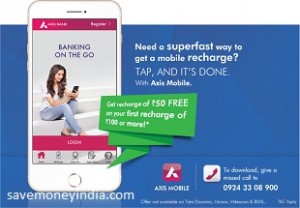 • Customers who successfully register for the first time on the Axis Bank Mobile App and do the first successful mobile recharge using the Axis Mobile recharge feature during the offer period to any eligible Mobile number of more than or equal to Rs. 100 would get an additional mobile recharge/topup of Rs. 50 on the number recharged by the customer.
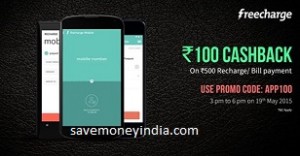 • On FreeCharge Mobile Apps.
 • Exclusive offers for SBI card holders.
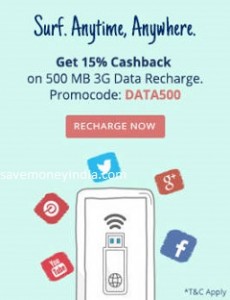 • Cashback is credited within 24 hours of the transaction into PayTm Account.
 • Use Axis Bank Debit/ Credit Card and get 25% Cashback.
 • Rs. 50 Discount Coupon on Prepaid Recharge of Rs. 50 and above.
 • No Promo Code required.
 • Pay Rs. 5 using PayTm Wallet & get Rs. 10 Cashback.
 • Offer is valid only for Microsoft Lumia 435.
 Enter the Coupon Code on your Emami Fair and Handsome Pack and get Free Rs. 40 Recharge & host of other prizes.
 Shake Your Phone to get exclusive offers.
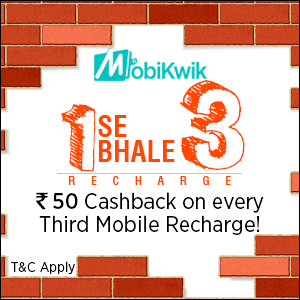 • Valid only on Airtel, Vodafone and IDEA Prepaid mobile recharges.
 •
•  • On FreeCharge Mobile Apps.